
How it actually works.
Four steps. No phone calls. No awkward conversations about how far behind you are.

CONNECT
Connect your QuickBooks
One click through Intuit’s official OAuth — the same secure connection your CPA uses. Your password never touches our servers.
Once connected, we can see your chart of accounts, transactions, and existing categories. Everything stays inside your QBO — nothing gets exported or stored elsewhere. You can revoke access anytime.
CONNECT
Connect your QuickBooks
One click through Intuit’s official OAuth — the same secure connection your CPA uses. Your password never touches our servers.
Once connected, we can see your chart of accounts, transactions, and existing categories. Everything stays inside your QBO — nothing gets exported or stored elsewhere. You can revoke access anytime.

ANALYZE
We categorize everything — in minutes, not months
Your transactions get categorized automatically based on vendor history, amount patterns, and your business type. Duplicates get flagged. Errors get caught. Bank feeds get reconciled.
Already categorized some transactions yourself? We learn from your existing rules and apply them to the rest — so the work you’ve already done isn’t wasted.
ANALYZE
We categorize everything — in minutes, not months
Your transactions get categorized automatically based on vendor history, amount patterns, and your business type. Duplicates get flagged. Errors get caught. Bank feeds get reconciled.
Already categorized some transactions yourself? We learn from your existing rules and apply them to the rest — so the work you’ve already done isn’t wasted.
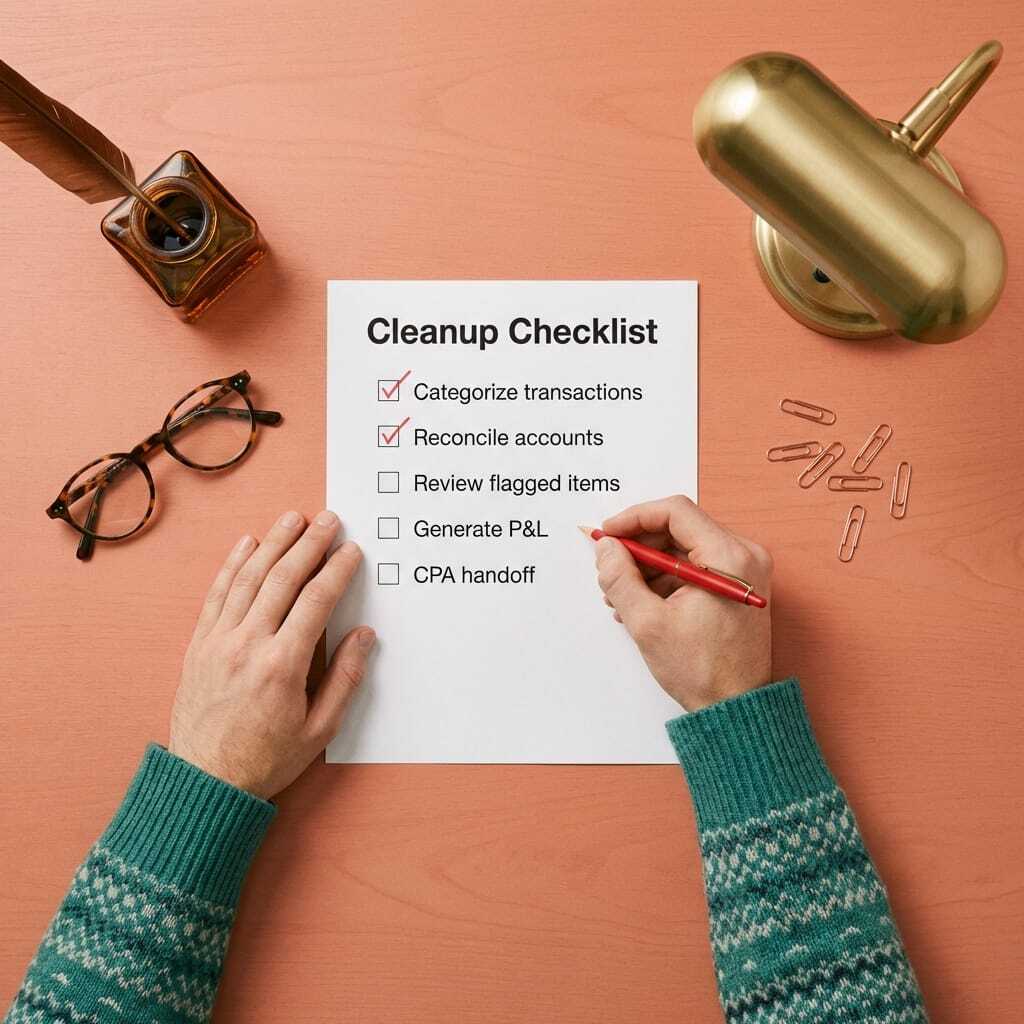
REVIEW
Nothing changes without your approval
We flag anything that needs a second look — split transactions, unusual vendors, edge cases. You review and approve before it hits your books.
If we’re confident, we categorize automatically. If we’re not, we ask. We never override your intentional categorizations — and we never make changes without telling you.
REVIEW
Nothing changes without your approval
We flag anything that needs a second look — split transactions, unusual vendors, edge cases. You review and approve before it hits your books.
If we’re confident, we categorize automatically. If we’re not, we ask. We never override your intentional categorizations — and we never make changes without telling you.
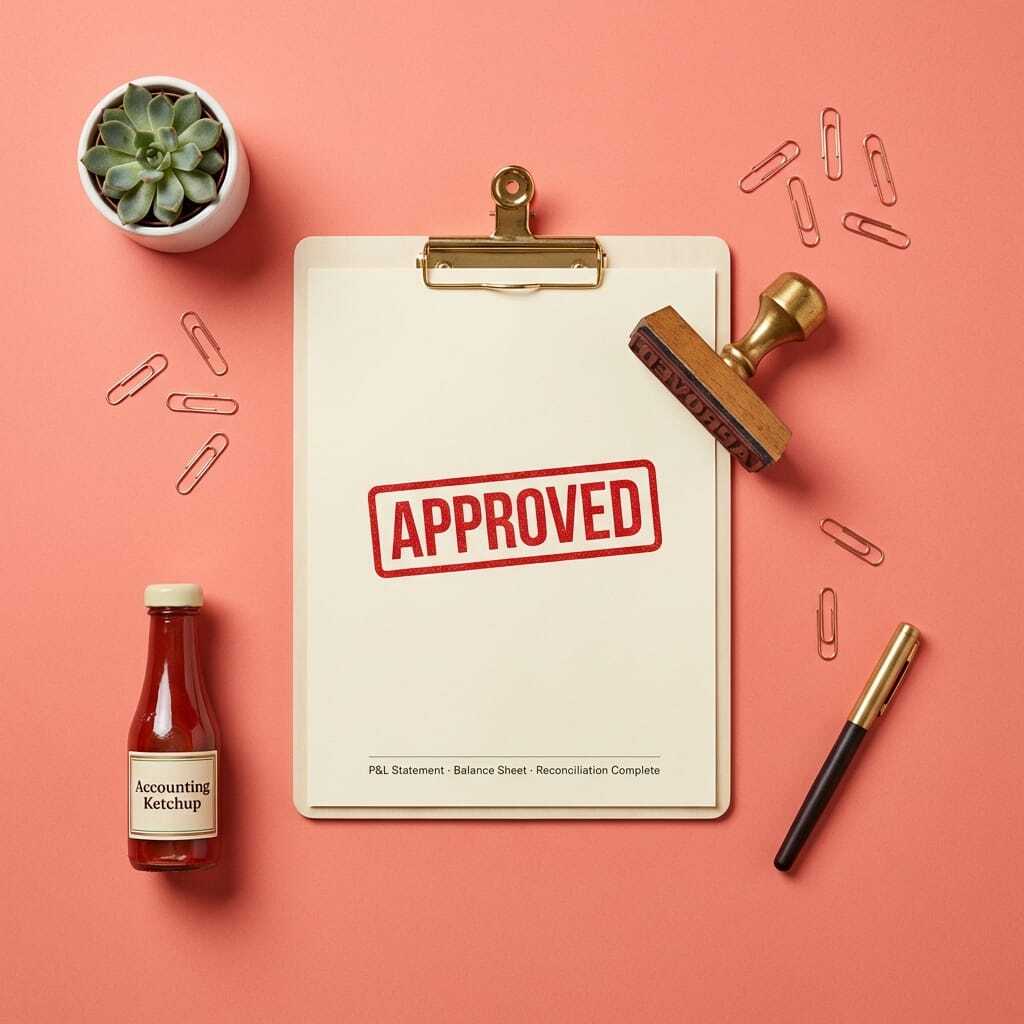
DELIVER
CPA-ready books, inside your QuickBooks
Clean P&L, balanced balance sheet, reconciled accounts — ready for your CPA or tax season. Everything lives in your QBO, so your accountant just logs in. No exports, no file transfers.
You also get a summary report: what we categorized, what we reconciled, and anything we flagged for your review.
DELIVER
CPA-ready books, inside your QuickBooks
Clean P&L, balanced balance sheet, reconciled accounts — ready for your CPA or tax season. Everything lives in your QBO, so your accountant just logs in. No exports, no file transfers.
You also get a summary report: what we categorized, what we reconciled, and anything we flagged for your review.
What you get when it's done
Everything your CPA needs, delivered directly in your QuickBooks.
Clean P&L
Every transaction categorized correctly. Revenue, expenses, and cost of goods sold — all accurate and audit-ready.
Balanced Balance Sheet
Assets, liabilities, and equity all reconciled. No mystery balances. No unexplained discrepancies.
Reconciled accounts
Every bank and credit card account matched to statements. Feeds connected and verified.
Summary report
A detailed breakdown of everything we did — transactions processed, accounts reconciled, items flagged for your review.
Common questions about the process
How long does the whole process take?▾
Do I need to do anything after connecting?▾
What if the AI makes a mistake?▾
Can I see progress while you're working?▾
What if I'm behind more than 24 months?▾
Ready to get caught up?
See your price in 30 seconds. Most catch-ups done in under a week.